
AI Therapy Notes
From session to note
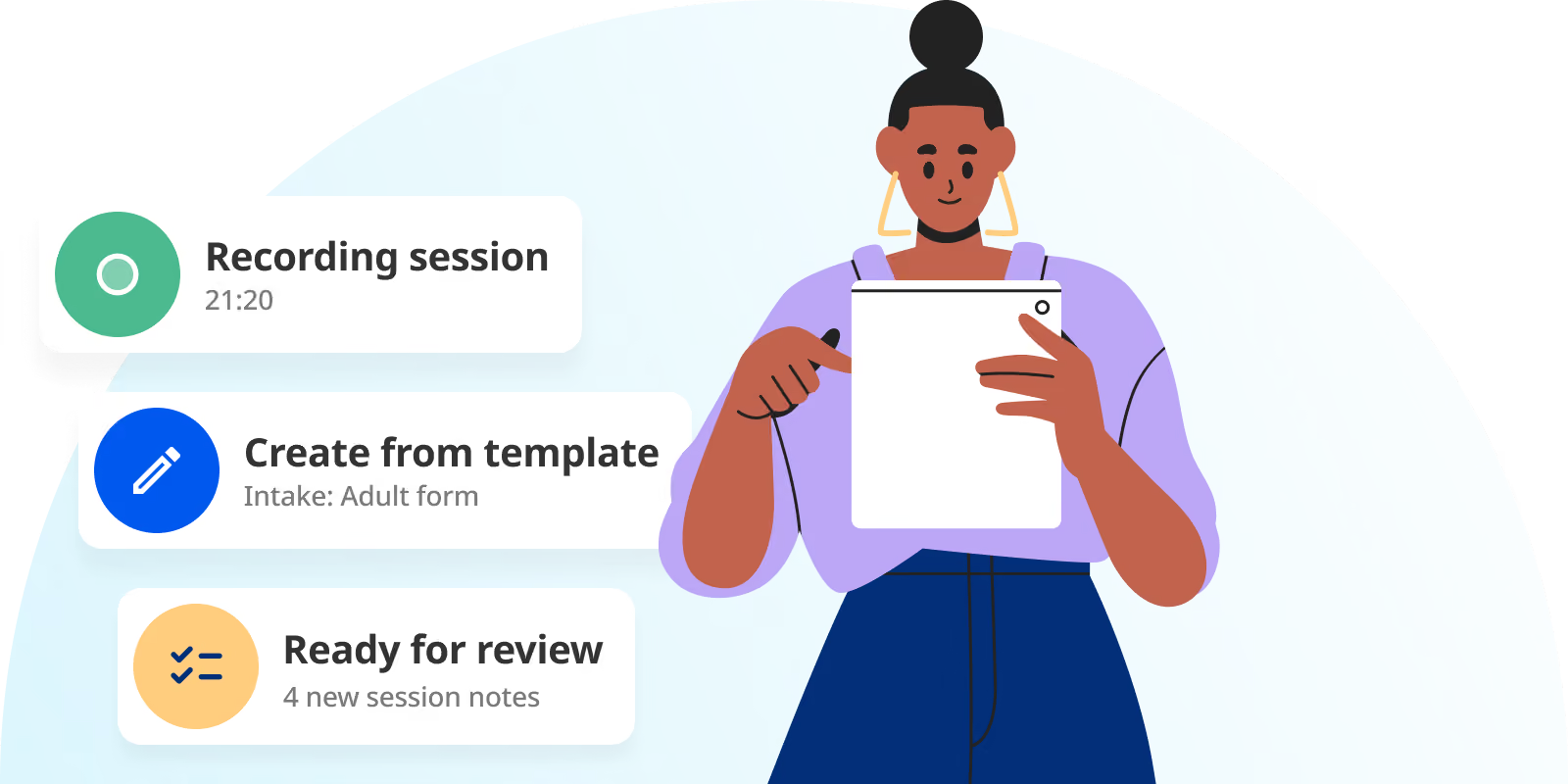
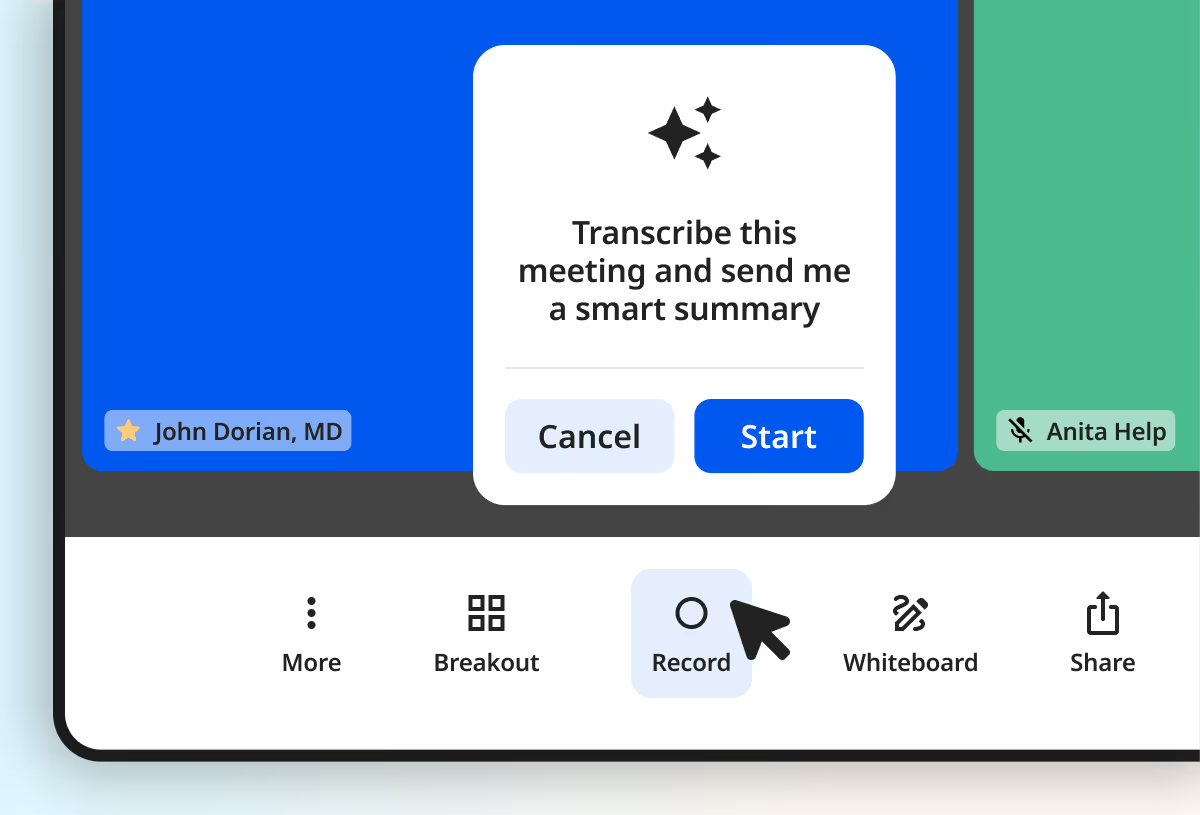
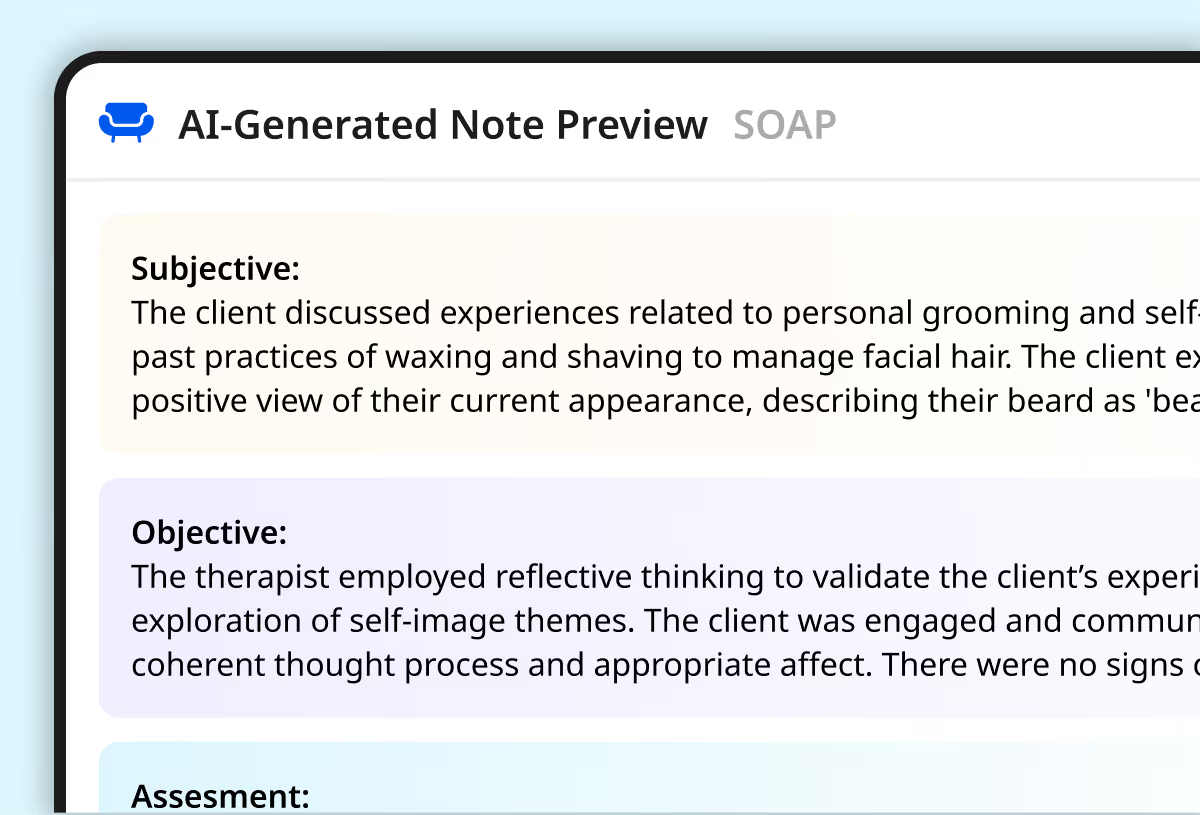
- The quiet assistant. AI captures session details and turns them into structured draft notes, treatment plans, and summaries.
- Your note style. Draft notes are organized in the format you use and prefer—SOAP, DAP, BIRP, GIRP, and more.
- Transcribe voice recaps. Record a quick recap to catch up on notes without sitting down to type.
- Review and finalize. Review and adjust the draft so the final note reflects your clinical voice and judgment.
Less note stress
- Stay present in session. Focus on the conversation without trying to remember everything you’ll need to write later.
- No blank page. Start with a structured AI progress note draft instead of recreating the session from memory.
- More accurate notes. Session details are captured while they’re fresh, helping notes stay clear and audit-ready.
- Less end-of-day catching up. Finish notes sooner so documentation doesn’t follow you home.
Faster notes, securely
- Built-in privacy. Audio supports documentation only and is deleted immediately after processing
- Compliance-ready. AI draft session notes follow standardized formats to help support clear, audit-ready documentation.
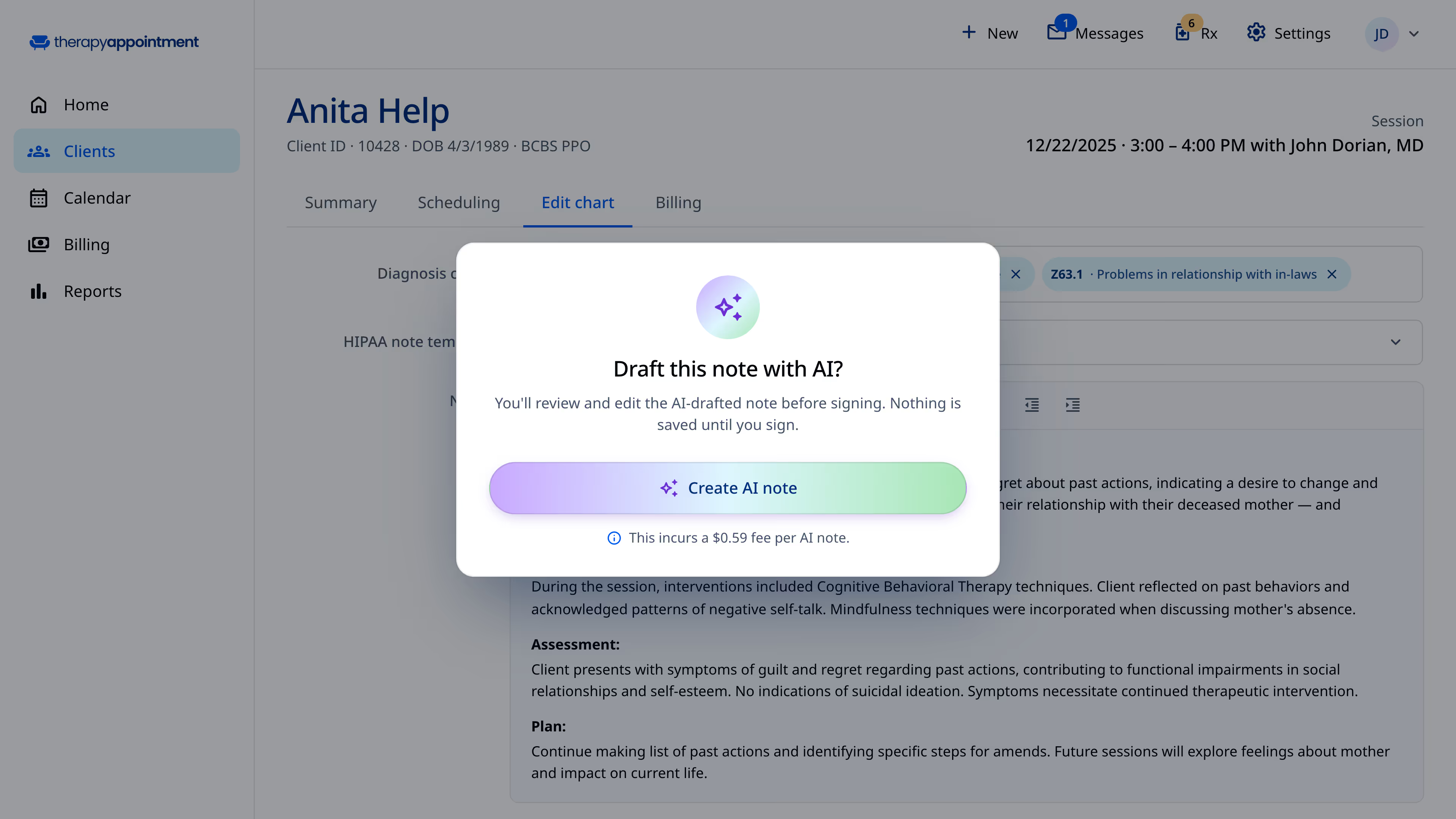
- You're in control. Nothing becomes part of the client record until you review and approve it.
AI Notes is my new favorite feature in Therapy Appointment – my notes are more consistent, more audit proof, and I never want to go back to manual charting.
Neither TherapyAppointment nor its AI uses customer-recorded sessions to train AI models. TherapyAppointment is HIPAA aligned and may process PHI only as necessary to deliver the contracted services. Any AI model improvements are limited to de-identified, non-reidentifiable data, under our BAA and applicable agreements.
Yes. AI Notes is a completely optional paid, add-on feature in TherapyAppointment. It’s disabled by default and only becomes active if your practice explicitly enables it in role permissions. If you choose not to use it, simply do not enable the AI Notes role and no session data will be sent to or processed.
If you had previously enabled AI Notes, you can opt out at any time by removing those role permissions.
No. You must deliberately select for AI Notes to start and end a session recording in TherapyAppointment.
Yes. Nothing becomes part of the client record until you review and approve it. Once an AI draft note is generated, you can review and edit so the final note reflects your clinical voice and judgment.
Yes. AI Notes will listen to the session and create a draft note. It automatically deletes the recording after the transcription is completed. If you choose to also record the video/audio from an integrated telehealth session, that recording is automatically deleted six months later or sooner if you want.
No. You do not need a separate BAA for TherapyAppointment’s AI Notes. Your BAA with TherapyAppointment already governs how our AI Notes accesses and processes PHI. All AI-related processing operates under TherapyAppointment’s HIPAA obligations, and those requirements are fully covered by our existing BAA.
Yes. You can verbally ask your client for permission and document it or have them sign a consent form and offer the ability to ‘opt out’ of you using AI Notes. We offer a pre-made consent template in our Online Forms templates.
Take a look at the time-saving tools we offer
Our pricing includes access to every feature from day one.
AI Notes new
AI-generated draft session notes, treatment plans, and session summaries.
Client Portal
Automated intake, online client scheduling, and secure unlimited client messaging.
Billing & Insurance
Integrated payment processing, auto-billing, easy claim filing, and free ERA posting.
Clinical Notes
Free HIPAA and SOAP templates, customizable forms, and AI-generated therapy notes.
Scheduling
Automated reminders, customizable calendar settings, and view-only third party calendar sync.
Data & Reports
Run audit reports, track earnings, and view real-time practice analytics.
Conduct secure and reliable telehealth sessions directly from your dashboard.